Team management    

Manage multiple users within your organization easily and efficiently.
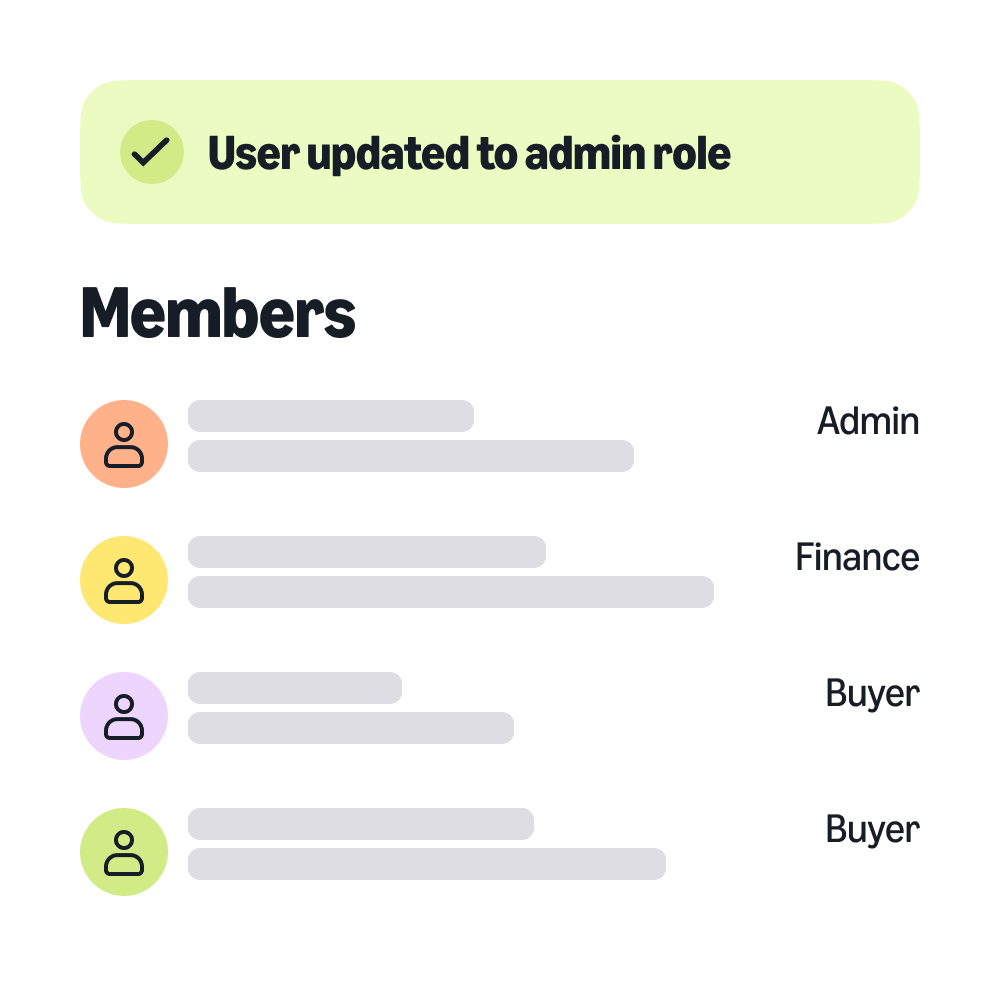
user updated to admin role
All your users under one business account.
Multiple buyers sharing one administrator account can make it difficult to tell who is buying what and when. Instead, grant your buyers their own individual access to your organization’s business account.
With Amazon Business, you can drive efficiency and maintain control over the purchasing process across your entire organization.
  • Improve efficiency

    Manage your users by configuring your business account to mirror your organization’s structure.


  • Maintain control

    Reduce risk and maintain compliance through seamless integration with existing systems.

    Maintain control

  • Empower teams

    Enable your teams to get what they need, when they need it, with easy-to-follow buying guidelines.

    Empower teams
Features
Buying groups

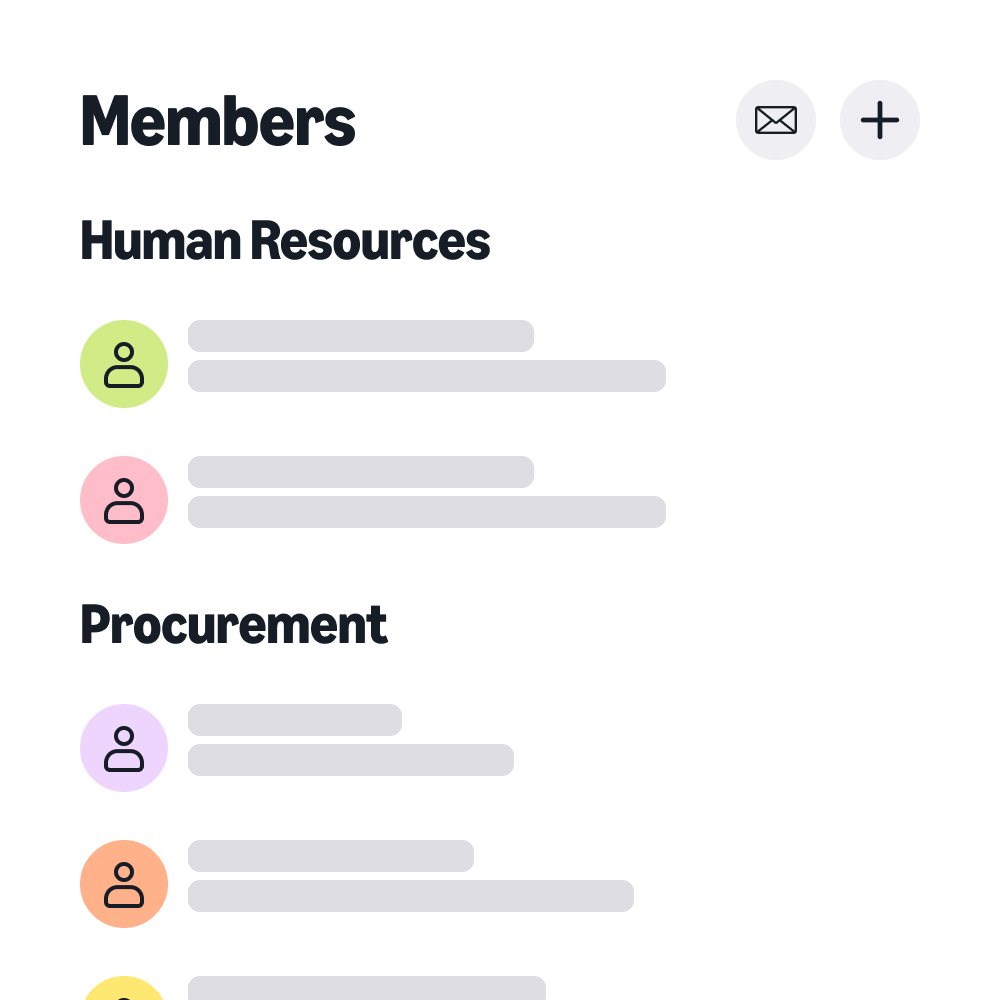
Keep your teams organized by creating groups and configuring purchase settings based on your organization's needs.

buying groups
Account switching

Seamlessly switch between your Amazon and Amazon Business accounts without logging out.

Learn moreLearn more
Single Sign-on (SSO)

Streamline access and reduce security risk by giving your teams secure, one-click access to Amazon Business.

Learn moreLearn more
Account Authority

Establish ownership over an account or domain and designate it as your official business account.

Learn moreLearn more
Punchout

Empower your teams to buy through your purchasing system while complying with your policies and controls.

Learn moreLearn more
Payment options

Track spending across your teams with on-demand, digital itemized invoices.

Learn moreLearn more
Manage permissions

Simplify procurement workflows by assigning account permissions based on roles or groups.

Customer stories

sport clips
Sport Clips Haircuts

Discover how Sport Clips streamlined store operations and procurement processes with Amazon Business.

Read storyRead story

"Amazon Business balances empowerment and speed, while ensuring we’ve compliance with internal spending policies."

Nathaniel Polky, Director of Information Systems, Sugar Mountatin

Sugar Mountatin

FAQs

  • You can add multiple buyers to your Amazon Business account by email (up to 20 users at once), sharing an invite link, or uploading a spreadsheet.

  • You can assign user roles and permissions in your account's Business Settings.

  • You can create and manage buying groups in the Groups page within your account’s Business Settings.

  • Single Sign-on (SSO) simplifies the login process, providing secure, one-click access to Amazon Business. Buyers and employees can use their existing corporate credentials to log into Amazon Business without creating a new password.

  • Punchout allows your team to shop on Amazon Business directly from your procurement system. Your team gets a seamless buying experience, while complying with procurement policies and controls.

  • Yes, you can invite buyers to join your organization’s account with their own usernames and passwords. Unique credentials helps keep user information secure while their selection and spend are visible to account administrators.